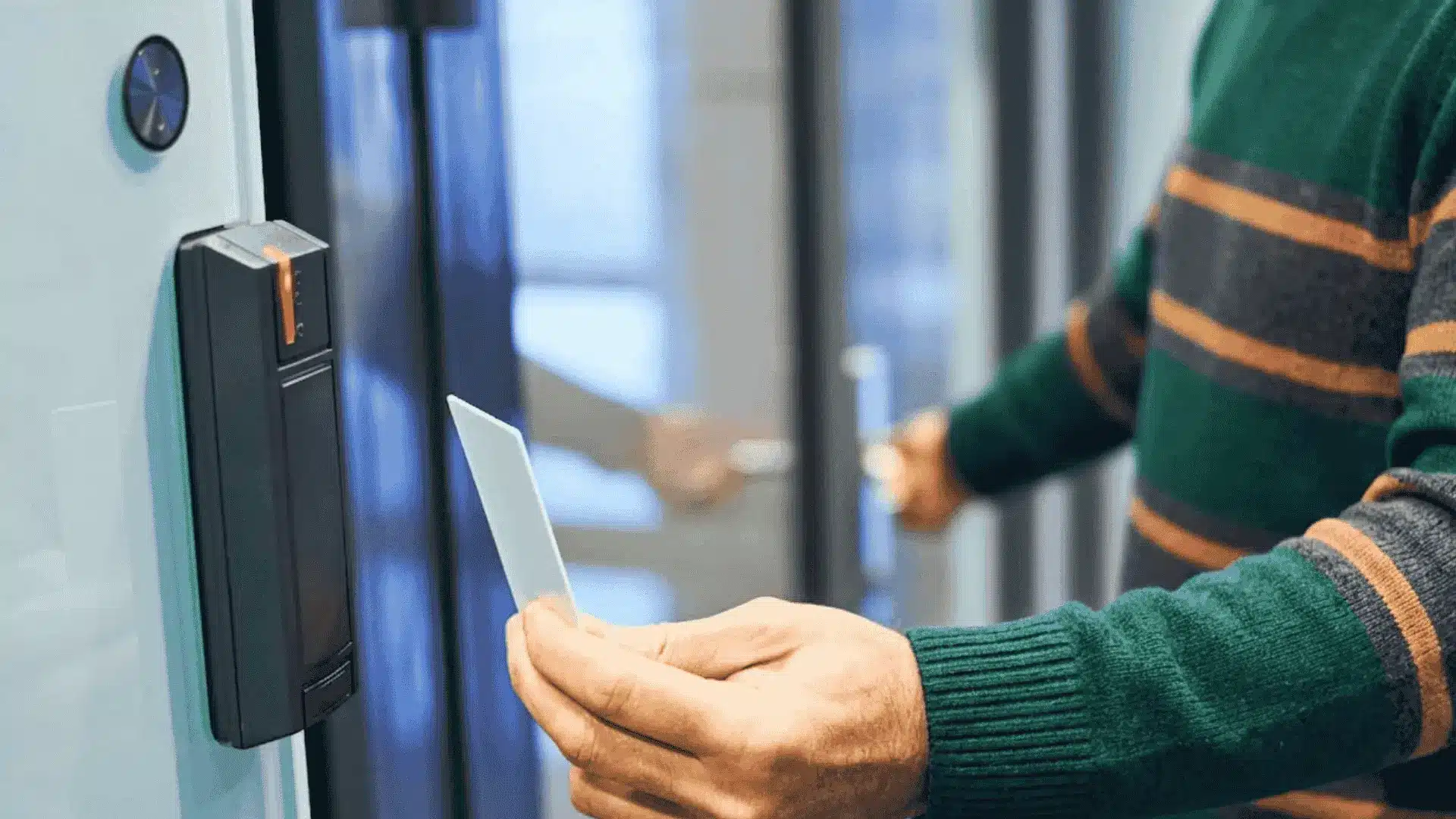
What’s the real truth about home security systems? It can be overwhelming with so many options available, each claiming to offer the best protection.
In this article, I’ll help you sort through the noise by explaining the truth about home security systems, focusing on what actually matters.
We’ll see how these systems work, from simple alarms to advanced smart technology.
I’ll also discuss the key features to look for, such as monitoring services and smart integration, and highlight what to avoid to prevent unnecessary costs.
By the end, you’ll have a clearer understanding of what home security features are essential for your needs.
If you’re upgrading an existing system or starting from scratch, this guide will provide the information you need to make an informed decision.
How Modern Home Security Systems Actually Work?
Modern home security systems rely on a network of sensors, cameras, and control hubs that work together in real time.
Door and window sensors detect openings, motion sensors track movement patterns, and cameras provide live or recorded video feeds.
These devices connect to a central panel or mobile app using Wi-Fi, cellular, or wired connections. When unusual activity is detected, alerts are sent instantly to homeowners or monitoring centers.
Some systems include professional monitoring, where trained staff verify threats and contact emergency services if needed.
Smart features like automation, remote access, and activity logs add convenience but also raise questions about data use.
Understanding these basics helps clarify the truth about home security systems and separates practical protection from marketing claims.
The Truth About Home Security Systems: Myths Busted

There are several misconceptions about home security systems that can influence decisions. Here are some of the most common myths.
1. Home Security Systems are Only for Wealthy Homeowners
Many people assume that home security systems are a luxury only for the wealthy, but that’s far from the truth.
Over the years, security systems have become much more affordable and accessible for homeowners of all budgets.
While high-end systems with professional monitoring can be expensive, there are plenty of cost-effective options available.
DIY systems, for example, allow homeowners to install and manage their own security at a fraction of the cost.
2. Security Systems are Complicated to Set Up
One of the most common myths surrounding home security systems is that they are complicated to set up and operate.
Many of the latest systems offer DIY installation that’s simple and intuitive, with step-by-step guides provided by the manufacturer.
You can set up cameras, sensors, alarms, and other devices yourself without the need for technical expertise.
Additionally, many systems now integrate with your smartphone, allowing you to monitor and control everything from a user-friendly app.
3. Home Security Systems are Prone to False Alarms
A widespread myth about home security systems is that they are prone to frequent false alarms. This myth stems from older systems that might have been sensitive to minor movements or environmental factors.
However, today’s security systems have made significant advancements to reduce false alarms.
Modern systems use more advanced sensors that can differentiate between actual threats and harmless events, like pets moving around or environmental changes.
For instance, many systems now feature motion detectors that are designed to recognize human activity while ignoring small pets.
4. Security Cameras Can Be Easily Hacked
There is a common belief that security cameras are vulnerable to hacking and can easily be accessed by criminals.
While it is true that no system is entirely immune to hacking, modern security cameras are equipped with advanced security features to protect them from unauthorized access.
Many cameras now come with encryption technologies that make it much harder for hackers to gain access to footage.
Additionally, manufacturers frequently update software to fix any potential security vulnerabilities.
5. Home Security Systems Will Prevent All Break-Ins
While home security systems offer valuable protection, it’s important to understand that no system can guarantee to prevent every break-in.
Security systems are highly effective in deterring burglars, but they are not foolproof. Thieves may still target a home, especially if they find weaknesses in the system.
However, having a security system in place significantly lowers the chances of a successful break-in.
Many burglars are deterred by the presence of visible cameras, motion detectors, or alarm systems, which can make your home less attractive to intruders.
Top Home Security Systems Reviewed and Rated
Detailed reviews compare reliability, features, pricing, monitoring options, and ease of use to help homeowners choose the right security system.
1. ADT Home Security

Known for long-term industry presence, this system focuses on professional monitoring and strong emergency response.
Installation is handled by trained technicians, helping reduce setup errors and equipment gaps.
Monitoring operates around the clock, with direct coordination with local emergency services during verified alerts.
Hardware includes door and window sensors, motion detectors, cameras, and smart home add-ons. Mobile access allows arming, disarming, and alert tracking from anywhere.
2. SimpliSafe

Designed for flexibility, this option emphasizes easy setup and no long-term contracts. Equipment arrives preconfigured, allowing users to install sensors and cameras without professional help.
Monitoring plans are optional and can be started or stopped monthly. The system includes entry sensors, motion detection, glass-break sensors, and indoor and outdoor cameras.
Alerts are delivered quickly through mobile notifications and optional monitoring centers.
Smart home integration is limited compared to higher-end systems, but core security functions remain strong.
3. Ring Alarm

Built around app-based control, this system integrates closely with video doorbells and cameras. Setup is user-friendly, with guided instructions and expandable equipment options.
Monitoring plans are optional and competitively priced, offering emergency response and cloud video storage.
Motion sensors, contact sensors, and cameras work together to provide full coverage. Mobile alerts deliver real-time updates, while video playback helps verify activity quickly.
Integration with smart assistants adds voice control and automation features. Privacy controls are adjustable, though cloud reliance may concern some users.
4. Vivint Smart Home

This system emphasizes advanced smart home integration alongside security features. Professional installation ensures devices are positioned for optimal performance.
Equipment includes high-quality cameras, smart locks, motion sensors, and environmental monitoring tools. Automation allows lighting, locks, and alarms to work together based on activity patterns.
Monitoring is professional and responsive, with fast alert verification. Mobile controls provide detailed system insights and customization options.
Pricing is higher, reflecting premium hardware and smart features. Contracts are common, which may limit flexibility.
5. Frontpoint

Focused on DIY installation with professional monitoring, this system offers flexibility without sacrificing support. Equipment is wireless and easy to install, reducing setup time.
Monitoring plans are customizable, allowing users to adjust services as needs change. Sensors include entry, motion, and environmental options like smoke and carbon monoxide detection.
Mobile access provides real-time alerts, system control, and status updates. Customer support is known for responsiveness, assisting with setup and troubleshooting.
This option works well for users wanting hands-on control, strong monitoring, and adaptable security coverage without professional installation.
Home Security System Ratings: Customer Reviews

Community reviews on Reddit reveal practical insights into how homeowners approach layered security.
One discussion highlights the value of using cameras and door or window alarms from SimpliSafe alongside a separate professionally installed system.
Reddit users note that running two systems can add redundancy and peace of mind, especially when both work well together without conflict.
SimpliSafe is often praised for reliability, ease of use, and smooth integration with other setups.
Another commenter suggests exploring Unifi from Ubiquiti Networks, pointing to its flexibility and advanced network-based security options.
These shared experiences reflect the truth about home security systems: effective protection often comes from combining trusted tools rather than relying on a single solution.
Home Security System Pricing: Complete Cost Comparison
ADT, SimpliSafe, Ring Alarm, Vivint, and Frontpoint home security systems feature combined equipment and monthly costs as shown below.
This table merges upfront equipment ranges (starter to mid-tier packages) with monthly professional monitoring fees.
| System | Equipment Cost (Starter-Mid) | Monthly Monitoring (Basic-Pro) |
|---|---|---|
| ADT | $269–$750 | $25–$65 |
| SimpliSafe | $250–$730 | $22–$80 |
| Ring Alarm | $200–$500 | $5–$20 |
| Vivint | $200–$1,300 | $25–$50 |
| Frontpoint | $80–$600 | $45–$50 |
Comparing both equipment and monthly monitoring costs helps you choose a home security system that fits your budget without sacrificing essential protection.
How to Choose the Right System?
Choosing the right security system requires careful consideration of several factors. Below are five tips to help:
- Assess your needs: Identify the level of security you require based on your home’s location and size.
- Evaluate monitoring options: Consider systems with 24/7 monitoring for constant surveillance and immediate alerts.
- Check compatibility: Ensure the system integrates well with your existing devices, like smart locks and cameras.
- Review customer support: A reliable support team can provide assistance in case of system issues or emergencies.
- Consider installation: Some systems offer DIY setups, while others require professional installation for more complex setups.
Make sure to assess your personal needs and preferences when selecting a system to ensure your home is properly secured.
Conclusion
Choosing a home security system feels simpler once the noise is stripped away and real needs are put first.
I believe safety works best when decisions are based on facts, not fear or pressure. Throughout this blog, I focused on features, costs, and limits that affect life.
Understanding the truth about home security systems helped me see that no setup is perfect, but the right one can offer steady peace of mind.
Small details like monitoring style, alerts, and privacy controls matter more than flashy promises. A thoughtful choice supports safety without overcomplicating routines.
If this blog helped clarify your options, take the next step with confidence. Compare systems carefully, ask smart questions, and choose what fits your home best.
Share your thoughts, questions, or experiences in the comments below.