
Utility software plays a big role in keeping computers from slowing down over time. I see many people struggle with slow systems, random errors, or storage filling up too fast.
You might notice your device taking longer to start or apps freezing at the wrong time. That is usually when people start looking for tools that can fix these issues without much effort.
This type of software is made to support your system in the background and handle tasks most users do not want to deal with manually.
In this blog, you will learn what this software actually means and how it works. You will also understand why people use it and what problems it helps solve.
The blog will break down different types and explain their purpose in simple terms. By the end, you will know when to use it and how it can make your daily computer use easier.
What is Utility Software?
Utility software is a type of program designed to support and maintain a computer system.
It is not part of the core system that runs the hardware, and it is not a regular app used for daily tasks like writing or browsing.
Instead, it sits between system software and application software, helping both work better together.
The main role of this software is to keep the system healthy. It handles tasks related to maintenance, management, and optimization.
Rather than adding new features, this software improves how the system already works. It runs quietly in the background or is used when needed.
How Does Utility Software Work?
Utility software works by either running quietly in the background or starting only when you need it. Some tools stay active to monitor system health, while others are used on demand to fix specific issues.
It interacts directly with the operating system and, in some cases, the hardware. This direct access allows it to manage files, memory, storage, and system resources more effectively.
It does not focus on user tasks but on system-level operations. Common tasks include scanning the system for errors, cleaning unwanted files, and compressing data to save space.
Many tools also handle backups to protect important files. Through these actions, the software helps the system stay organized, stable, and responsive during regular use.
Different Types of Utility Software for System Management
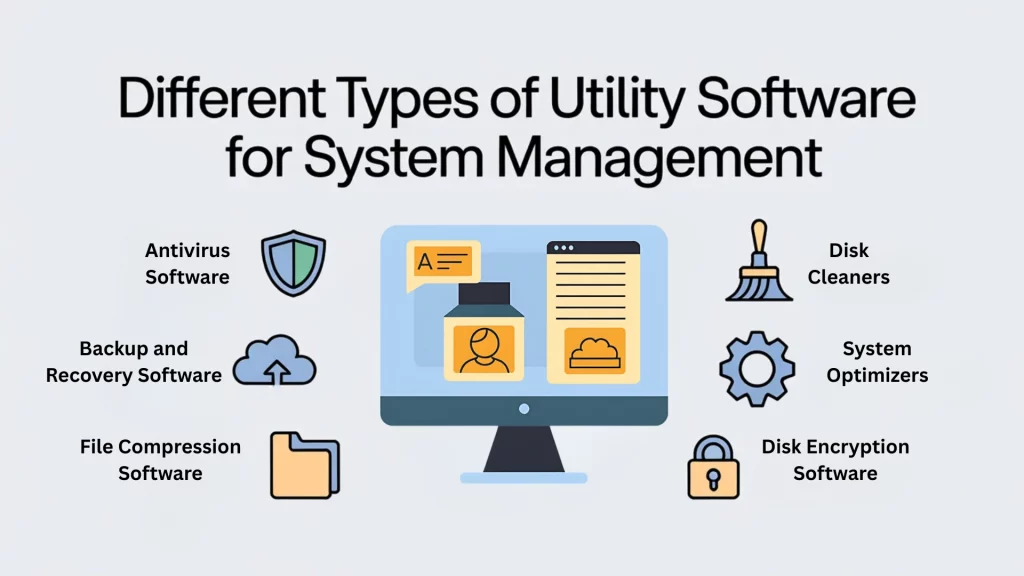
These tools focus on handling specific system tasks. Each type solves a different problem related to performance, storage, security, or data management on a computer.
1. Antivirus Software
Antivirus software is designed to detect and remove viruses, malware, spyware, and other harmful programs from a system.
It scans files, apps, emails, and downloads to identify threats before they cause damage. Many tools work in the background and provide alerts when suspicious activity is found.
They also block unsafe files and clean infected data. Regular updates help the software recognize newer threats and keep the system protected.
Some well-known antivirus software:McAfee Total Protection and Kaspersky Antivirus.
2. Disk Cleaners
Disk cleaners scan a computer’s storage to find files that are no longer useful. These include temporary files, cached data, system logs, and leftover files from removed programs.
Over time, such files consume storage space and slow performance. Disk cleaners list these files and safely delete them.
This helps free up space and keeps the system organized. Regular cleaning can improve responsiveness and reduce clutter on the hard drive.
Some well-known disk cleaners:BleachBit and Glary Utilities.
3. Backup and Recovery Software
Backup and recovery software allows users to create copies of important data and system files. These backups can be stored on external drives, network locations, or cloud services.
If data is lost due to accidental deletion, system crashes, or hardware failure, recovery tools help restore it.
This reduces the risk of permanent data loss. Many tools support automatic backups, making data protection consistent and reliable over time.
Some well-known backup and recovery software:Macrium Reflect and Backblaze.
4. System Optimizers
System optimizers focus on improving overall system performance. They manage startup programs, background processes, and system settings that affect speed and responsiveness.
Some tools also remove unused files and disable unnecessary services. By reducing system load, optimizers help computers run more smoothly during daily use.
They are often used when a system feels slow or takes too long to boot or open applications.
Some well-known system optimizers:AVG TuneUp and Restoro.
5. File Compression Software
File compression software reduces the size of files and folders without removing their content. Smaller files take up less storage space and are easier to share over the internet.
These tools compress data into formats that can be expanded later when needed.
Compression is useful for managing large files, saving disk space, and speeding up file transfers, especially when bandwidth or storage is limited.
Some well-known file compression software:WinZip and PeaZip.
6. Disk Encryption Software
Disk encryption software protects data by converting it into a format that cannot be read without proper authorization.
Only users with the correct password or key can access encrypted files. This helps protect sensitive data if a device is lost, stolen, or accessed without permission.
Encryption is commonly used for personal, business, and system-level data, adding security without affecting normal system operations.
Some well-known disk encryption software:VeraCrypt and DiskCryptor.
Key Benefits of Using Utility Software on Your Computer
These tools support everyday system maintenance and reduce common computer problems. They help users manage performance, security, and storage without needing advanced technical knowledge.
- Faster system performance: These tools remove junk files, control startup programs, and manage background tasks, helping systems respond more quickly during daily use.
- Better security: Security-focused utilities scan for threats, block harmful files, and monitor system activity, reducing the risk of malware infections and unauthorized access.
- More storage space: By deleting temporary files, cached data, and unused leftovers, these tools free up storage and keep the system clean.
- Easier data recovery: Backup utilities create data copies that can be restored during crashes, accidental deletion, or system failures, reducing permanent data loss.
- Less need for technical help: Automated maintenance features handle routine tasks, allowing users to fix common issues without calling support or hiring technical professionals.
When You Might Need Utility Software?
There are several situations where utility software becomes helpful during regular computer use. One common sign is slow system performance.
Programs may take longer to open, and the system may freeze during simple tasks. This often happens when unnecessary files and background processes build up.
Another issue is that storage is running low. When space fills up, updates fail, and files become harder to manage.
Security concerns are also a major reason, as unexpected pop-ups, unknown apps, or suspicious activity can signal possible threats.
File organization problems can also cause trouble because files may be scattered, duplicated, or hard to locate, which wastes time and effort.
In these cases, utility software helps clean storage, improve speed, protect data, and organize files better. Using the right tools at the right time helps prevent small issues from turning into bigger system problems later.
Examples of Popular Utility Software
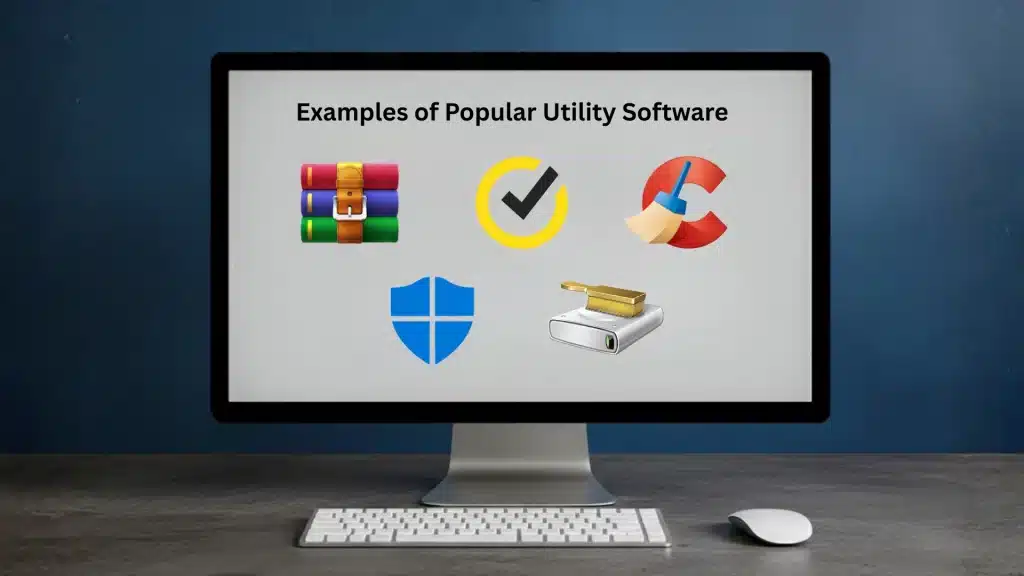
These are real-world tools that many users already rely on. Each one handles a specific system task related to storage, security, or performance management.
- WinRAR: WinRAR is used to compress and extract files. It helps reduce file size, save storage space, and make sharing large folders easier.
- CCleaner: CCleaner removes temporary files, cache, and unused system data. This helps free up storage and improve overall system responsiveness.
- Norton: Norton focuses on system security. It scans for malware, blocks unsafe files, and helps protect personal data from online threats.
- Windows Defender: Windows Defender is built into Windows systems. It provides basic protection against viruses and malicious software without extra installation.
- Disk Cleanup: Disk Cleanup is a built-in Windows tool. It deletes unnecessary system files and helps manage storage more efficiently.
Conclusion
Utility software helps keep systems stable, organized, and easier to manage over time. I have covered what it is, how it works, and the common types people use daily.
From improving performance and freeing storage to protecting data and fixing small issues, these tools handle tasks most users ignore until problems appear.
Slow speed, low storage, security risks, and messy files are all signs that the system needs attention. Using the right tools early helps avoid bigger issues later.
It also reduces stress and saves time by keeping everything in check. You do not need advanced skills to benefit from them.
Have you checked which tools your system actually needs right now? Drop your thoughts or questions in the comments below.