What if you could shape what the next iPhone might look like? Many tech fans and learners enjoy imagining new phone ideas, not just by talking about them, but by building them on screen.
Today, interactive tools make it possible to design the next iPhone in a fun and easy way.
These tools let users change phone shapes, screen layouts, and feature ideas without needing advanced skills.
This blog post explains what it really means to design the iPhone and how people use online tools to create phone concepts for learning or entertainment.
It also clears up common confusion about real Apple products versus user-made designs.
If you enjoy technology, product design, or creative tools, this post will help you understand how these iPhone design platforms work and why so many people enjoy using them.
What It Means to Design the Next iPhone?
Designing the next iPhone is all about creating a concept that shows how a future iPhone could look and work, not a real Apple product.
This allows them to visualize their unique take on a future iPhone.
These concepts are often based on current trends and personal preferences, giving users a chance to experiment with different ideas and features.
The design process helps users understand the steps involved in planning and testing a new device before it’s released.
It’s also a fun and educational way to practice design skills and learn how phones are built.
Though these designs aren’t official, they offer a valuable look into the creative thinking that goes into product design and the choices that shape modern smartphones.
Why People Want to Design the Next iPhone?
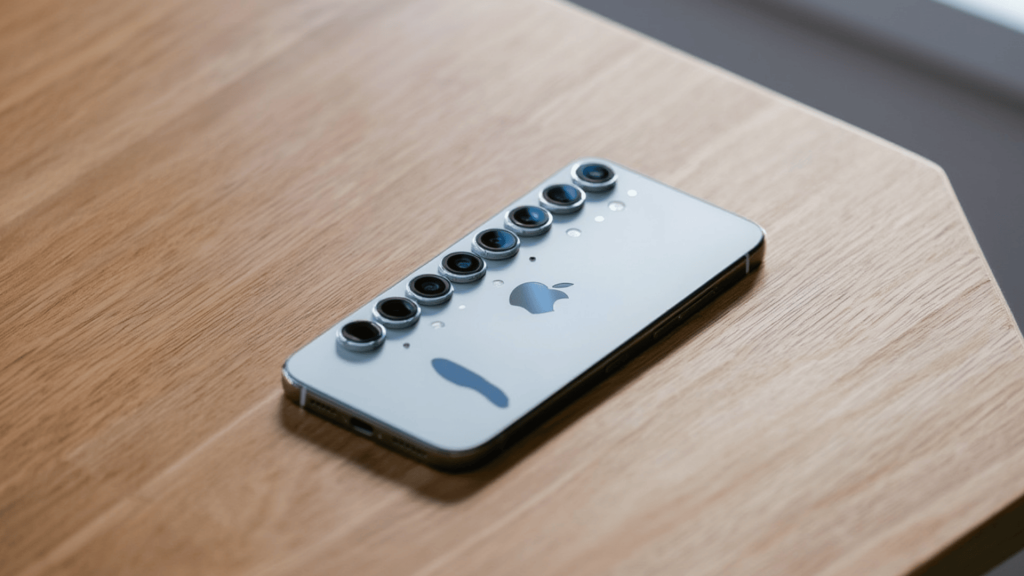
People design the next iPhone for learning, creativity, and fun, using simple tools to test ideas, follow trends, and understand how phone designs take shape.
- Creative Expression: Users design the next iPhone to reflect their personal style and ideas. It allows them to experiment with phone shapes, colors, and screen layouts, giving them the freedom to showcase their creativity.
- Design Learning: These tools offer a hands-on way to learn the fundamentals of product design.
- Future Tech Interest: Many users enjoy envisioning what future smartphones might look like. They experiment with ideas like foldable screens, new camera tech, and other innovative features they think will shape future devices.
- Skill Practice: Beginners and aspiring designers use these tools to develop basic UI, UX, and layout skills. It’s a fun way to practice while creating tangible, customizable designs that help build confidence.
- Sharing Ideas: Some users create their designs to share online, whether to inspire others, get feedback, or enhance their content.
It’s a creative outlet where they can display their work or add visuals for blogs, social media, or videos.
Interactive Tools to Design the Next iPhone
Several interactive tools help users design the iPhone by offering mockups, UI editors, and 3D views that make concept creation simple, visual, and easy to understand.
1. Online iPhone MockupTools
Online mockup tools like Smartmockups, MockUPhone, and Placeit let users design the next iPhone using ready-made phone frames.
These platforms focus on visuals such as phone shape, color, and screen placement. Users can upload screens or adjust layouts using simple controls.
Most tools work directly in a browser, which makes them easy for beginners. They are useful for creating quick phone visuals for learning or sharing ideas.
2. UI and Screen Design Tools
UI tools such as Figma, Adobe XD, and Sketch help users design the next iPhone by working on screen layout and app structure.
These tools allow icon placement, navigation planning, and screen flow design. Many include iOS-style templates, which help keep designs realistic.
They are widely used by students and beginners learning how mobile interfaces are built and organized.
3. 3D Phone Concept Tools
3D tools like Spline, Vectary, and Blender allow users to design the next iPhone with a full device view. Users can rotate the phone, adjust the size, and change surface details.
These tools focus more on the phone’s physical look rather than screen content.
Some platforms offer simple presets, which make them suitable for basic learning and visual practice.
4. Feature Planning and Idea Boards
Idea planning tools such as Milanote, Notion, and Miro help users by organizing feature ideas.
These platforms let users list hardware concepts, software ideas, and design notes in one space. They are useful before visual design begins.
Users can compare ideas, group features, and understand how phone concepts are planned step by step.
How to Design the Next iPhone Using Online Tools
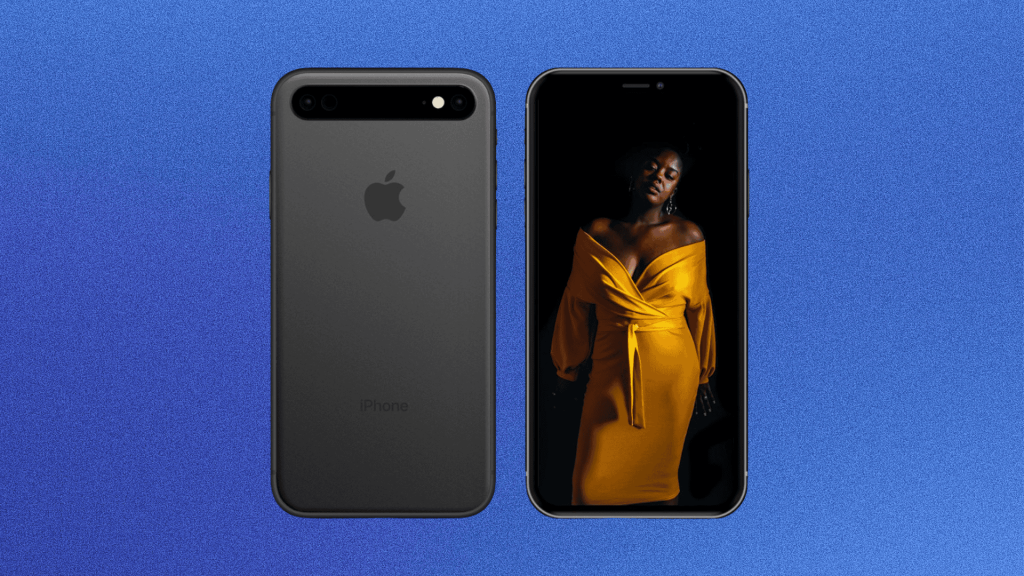
Designing the next iPhone using online tools follows a simple process that helps users turn ideas into clear concepts through structured steps and easy-to-use platforms.
- Choose a Design Tool:Start by selecting an online tool that matches your goal, such as mockups for visuals, UI tools for screens, or planning boards for feature ideas.
- Select a Base Layout:Pick a phone frame or layout that looks close to a modern iPhone to keep the concept realistic and easy to build on.
- Customize Hardware Elements:Adjust details like screen size, camera placement, buttons, and colors to shape how the phone looks from the outside.
- Design the Screen and UI:Add screen layouts, app placement, and navigation ideas to show how the phone might work during daily use.
- Save or Share the Concept:Export images or links to share your design online, review it later, or use it for learning and creative projects.
Educational Value of Designing the Next iPhone
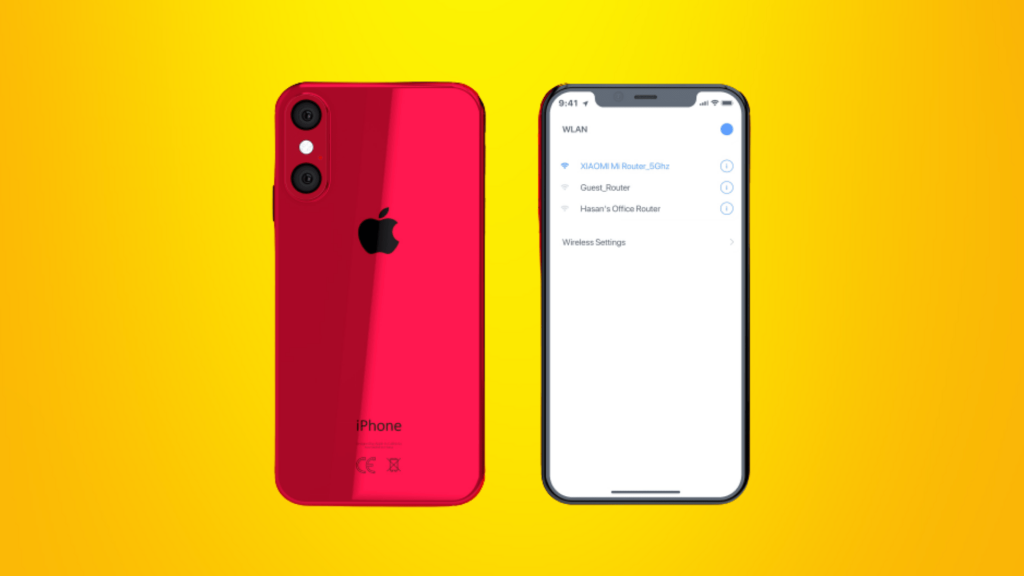
Designing the next iPhone has clear educational value for users who want to learn how modern devices are planned.
These tools help users understand basic phone structure, screen layout, and feature placement.
By working through design choices, users learn how small changes affect usability and appearance.
This process also builds basic skills in layout planning, problem solving, and visual thinking. Students and beginners often use these tools to practice UI ideas without technical pressure.
Designing phone concepts also helps users think logically about user needs and daily use. Overall, it is a simple and hands-on way to learn how product design works.
Are iPhone Design Concepts Official?
No, iPhone design concepts created using online tools are not official Apple products and are not connected to Apple in any way.
Design concepts are user-made ideas created for learning, creativity, or fun.
When people design the next iPhone using online tools, they are sharing personal ideas based on trends and preferences.
Apple does not review, approve, or use these designs. Official iPhone products are developed privately by Apple teams and released only through confirmed announcements.
Concept designs help users understand how phones might be planned, but they do not predict real launches. Knowing this difference is important to avoid confusion.
These tools are meant for practice, imagination, and education, not for creating real or upcoming Apple devices.
Who Are These iPhone Design Tools for?
iPhone design tools are made for different users who enjoy learning, testing ideas, or creating visual phone concepts without needing advanced skills or professional experience.
- Students: Useful for learning basic product, UI, and layout concepts in a simple and practical way.
- Beginners: Ideal for people starting with design tools and wanting hands-on practice without technical pressure.
- Tech Fans: Great for users who enjoy imagining future phone ideas and testing visual concepts.
- Design Learners: Helpful for practicing screen layout, feature planning, and visual thinking.
- Content Creators: Suitable for creating phone visuals for blogs, videos, or social posts.
Tips for Creating Better iPhone Concepts
These tips help users create clear iPhone concepts by focusing on realistic design choices, simple layouts, and practical ideas that reflect how smartphones are used.
- Keep It Realistic: Base designs on current phone sizes, features, and layouts to make concepts believable and easy to understand.
- Focus on Usability: Make sure buttons, screens, and features feel easy to reach and simple to use.
- Limit Extra Features: Avoid adding too many ideas at once to keep the concept clean and clear.
- Follow Current Trends: Look at recent iPhone models to guide shape, screen style, and layout choices.
- Review and Refine: Check the design for clarity and adjust small details to improve the overall look and function.
Conclusion
Designing phone concepts gives users a clear way to think about how smartphones are planned and tested.
These tools support learning by turning ideas into visible layouts and feature plans. Users can compare options, spot design limits, and improve decision-making through simple practice.
Over time, this process builds confidence and a better understanding of how real products take shape. It also encourages thoughtful thinking about daily phone use, not just looks.
If you enjoy creative tools or learning how products are built, trying to design the next iPhone can be a useful exercise.
Start with one tool, keep ideas simple, and adjust as you learn.
Share your thoughts, questions, or concepts in the comment section and let others see how you would design the iPhone.