Smart homes sound exciting, but setting them up is not as easy as plugging in a few devices.
Many homeowners buy smart lights, cameras, or thermostats only to find they do not work well together.
That is where a professional smart home installer makes a difference. With the right planning and setup, your devices can connect and work as one system instead of separate parts.
In this blog post, I explain what smart home installation really involves and why hiring a local expert can save time, stress, and costly mistakes.
You will learn what services installers offer, how to choose the right company in your area, and what to expect before you hire.
If you want a home that works smarter without confusion, this blog post will help you make a clear decision.
What Does a Smart Home Installer Do?
A smart home installer handles more than just setting up devices. Their main role is to make sure all smart products work together as one smooth system.
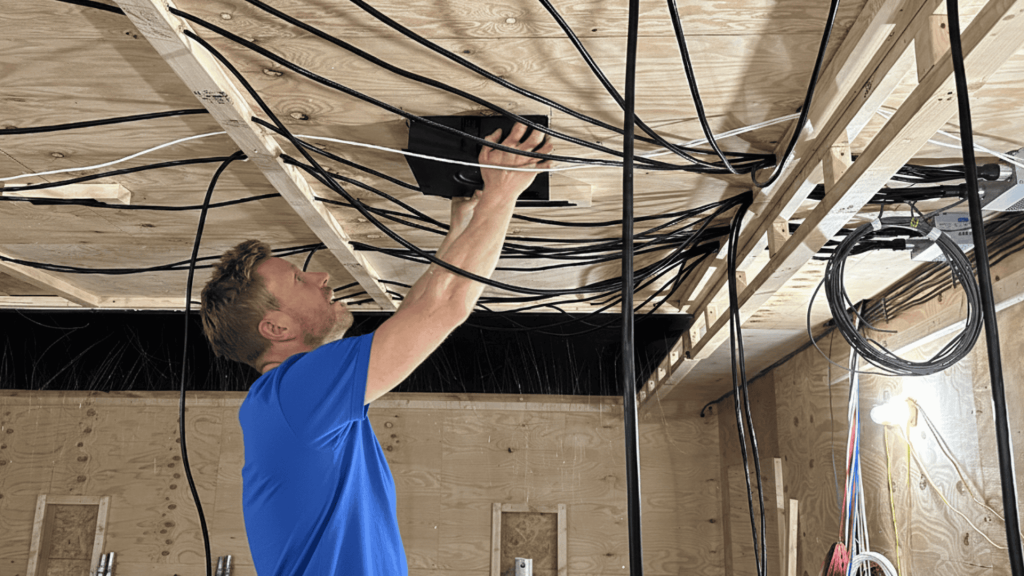
This includes planning where devices should go, installing them correctly, and connecting everything to a secure home network.
They also test the system to ensure it runs without issues.
A professional installer can set up lighting, thermostats, security cameras, door locks, and voice controls in a way that fits your home and daily needs.
They also explain how to use the system and offer support if problems come up later.
This helps homeowners avoid setup errors, connection issues, and wasted money on devices that do not work well together.
Smart Home Installation Services Offered
Smart home installation services cover different systems that work together to improve comfort, safety, and control. A professional installer helps set them up correctly for daily use.
- Smart Lighting Systems: Installation of smart bulbs, switches, and dimmers that allow lighting control through apps, schedules, or voice commands.
- Smart Thermostats: Setup of temperature control systems that help manage heating and cooling based on routines, improving comfort and energy use.
- Home Security Systems: Installation of cameras, sensors, alarms, and smart locks to monitor and protect the home from inside and outside.
- Voice Control Integration: Connecting devices with voice assistants so multiple systems can be controlled using simple voice commands.
- Central Hub and Network Setup: Configuration of hubs and Wi-Fi networks so all smart devices stay connected and work smoothly together.
Top Smart Home Small Installer Service Providers in the USA
1. Northeast (Chicago area – Midwest)
Liaison Technology Group (Chicago, IL, with multiple locations) is an award-winning provider. They specialize in elegant, customized home automation for residential spaces.
Their services include smart security, lighting control, appliances, entertainment integration, and energy-efficient setups. These solutions are ideal for smaller homes.
Liaison Technology Group emphasizes seamless, user-friendly systems. They offer professional design and installation for a complete smart home experience.
- Key strengths: High-end integrations, excellent support, HTA-aligned quality
- Best for: Urban condos/small homes needing sophisticated but simple automation
- Phone: +1 (888) 279-1235 (toll-free) or (217) 675-7404
- Email & Website: [email protected]
2. South (Charlotte, NC area)
The Integrated Home (Charlotte, NC) is A leading HTA-recognized smart home company offering personalized whole-home automation, including lighting, security, climate control, and effortless voice/app integration.
They focus on tailored solutions for various property sizes, with free consultations and strong customer support—perfect for smaller Southern homes.
- Key strengths: Seamless smart living, energy efficiency, professional no-obligation service
- Best for: Affordable, modern setups in compact properties
- Phone: +1 (704) 412-4040 (main) | Support: (704) 412-9301
- Email & Website: [email protected]
3. West (Seattle, DC area)
Audio Video Excellence Specialists in smart home automation, including audio-video systems, lighting control, security surveillance, climate integration, and whole-home automation.
They provide custom installations for easy control of lighting, cameras, thermostats, and voice-activated devices, ideal for Arizona’s sunny lifestyle with a focus on outdoor entertainment and energy efficiency.
- Key strengths: High-performance integrations with brands like Control4, hassle-free setups, and expert AV expertise
- Best for: Comprehensive automation in upscale desert homes or estates
- Phone: +1 (480) 245-7500
- Email & Website: Can be mailed via form on the official website.
4. Southwest (Phoenix, AZ area)
Apex AV (Phoenix/Tempe, AZ area) Specialists in smart home integration, including audio-video, security, networking, and automation for everyday use.
They handle smaller-scale projects with a focus on making tech part of your routine, ideal for Arizona’s hot climate (e.g., smart thermostats + lighting/security).
- Key strengths: Personalized lifestyle integration, professional installation
- Best for: Quick setups in smaller desert-region homes
- Phone: +1 (480) 416-8195
- Email & Website: [email protected]
How to Choose a Smart Home Installer?
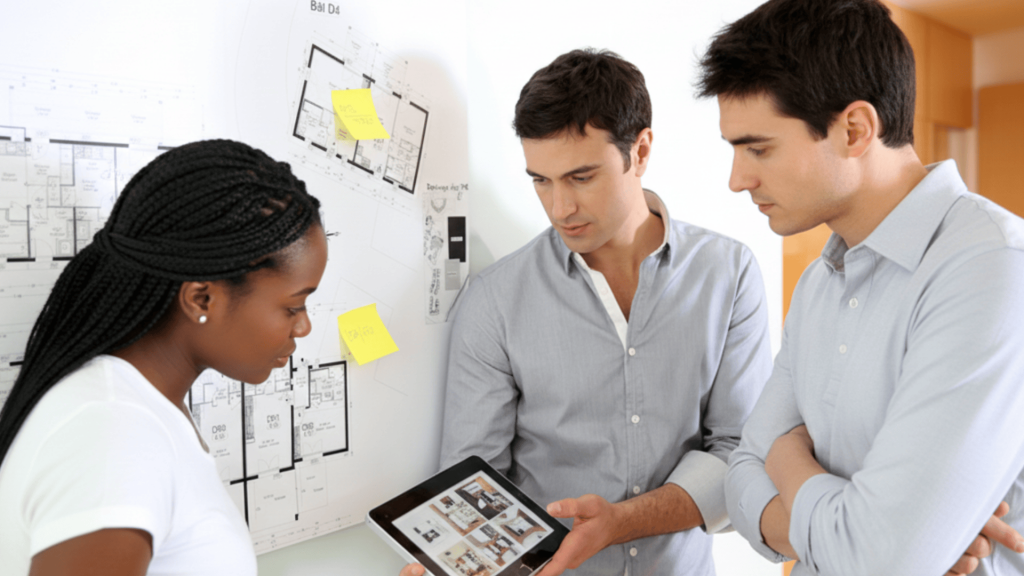
Choosing the right professional helps ensure your smart home works smoothly, stays reliable, and fits your needs. The points below explain what to check before making a final decision.
1. Check Experience and Technical Skills
When choosing an installer, start by assessing their experience with smart home systems.
The more years they’ve worked with various devices, the better they understand setup challenges and device compatibility.
Ask about past projects similar to your home’s size and your system’s needs. A skilled installer can plan the layout, avoid setup mistakes, and ensure everything works together seamlessly.
This reduces future issues and saves you time, offering a smoother, more efficient smart home experience.
2. Review Customer Feedback and Reputation
Customer reviews provide a clear picture of an installer’s service quality.
Look for feedback that highlights communication, problem-solving, and post-installation support. Positive reviews usually indicate a reliable and trustworthy installer.
Pay attention to how they handle negative reviews, as this shows their commitment to customer satisfaction.
Transparent feedback sets expectations and helps you avoid potential issues with installers who may lack follow-through or skip important steps in the process.
3. Confirm Supported Brands and Systems
Before hiring, confirm which smart home platforms and brands the installer supports. Compatibility is crucial to ensure your devices work together as a cohesive system.
An installer familiar with multiple brands can suggest the best options and avoid future issues when upgrading.
Knowing that your devices and new installations will connect properly ensures a smoother experience and helps you avoid costly replacements or incompatibility problems down the line.
4. Ask for Clear Pricing and Communication
Always ask for a detailed quote that outlines the cost of installation, testing, and ongoing support.
This ensures you know exactly what you’re paying for and avoids any hidden costs later.
A good installer will explain the process clearly, answering any questions you have and making sure you understand how your smart home works.
Strong communication helps build trust and makes it easier to use your system confidently from the moment it’s installed.
Benefits of Hiring a Smart Home Installer
Hiring a smart home installer helps ensure your system is set up correctly, supported when needed, and designed to work smoothly across all devices in your home.
- Faster Support Access: Installers can respond quickly for setup help, fixes, or system updates without long delays.
- Proper Safety Setup: They follow electrical and network safety standards to reduce risks during installation.
- Clear Communication: Direct discussions make it easier to explain needs, ask questions, and understand how the system works.
- Ongoing Service Help: Professional installers remain available for changes, upgrades, or troubleshooting after installation.
- Verified Customer Feedback: Reviews from real customers help you judge service quality and reliability before hiring.
Factors Affecting Smart Home Installation Costs
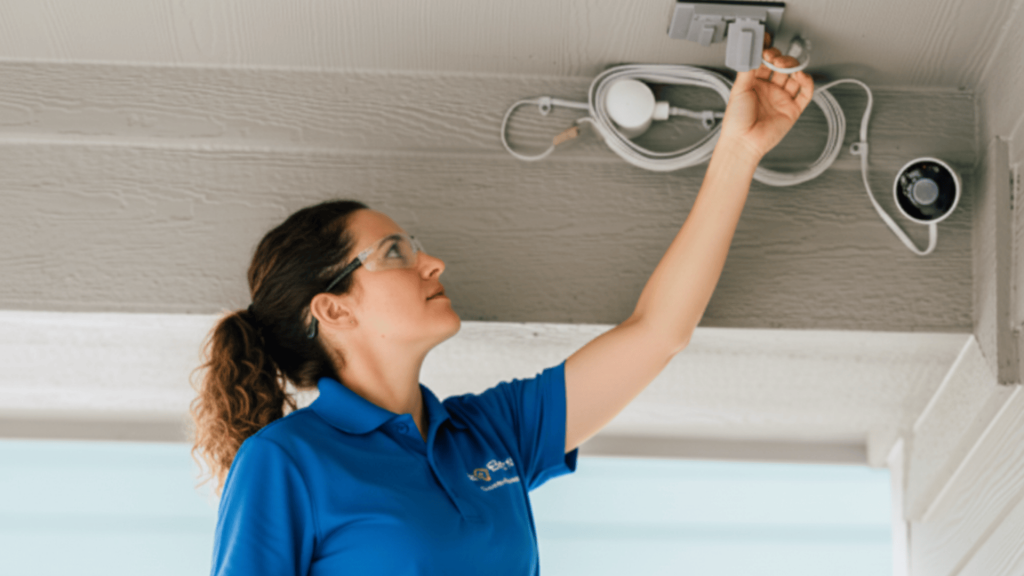
Smart home installation costs depend on the type of system, the number of devices, and the setup work required.
Understanding these factors helps homeowners plan better and avoid unexpected expenses.
- Home Size: Larger homes often require more devices, wiring, and setup time, which increases overall installation costs.
- Number of Devices: Adding more smart products raises both equipment and labor expenses during installation.
- System Complexity: Advanced setups with automation rules and integrations usually cost more than basic systems.
- Labor and Setup Time: Installers may charge flat fees or hourly rates based on the time needed for proper setup.
- Support and Training: Some packages include user guidance, testing, and follow-up support, which can affect the final price.
DIY VS Professional Smart Home Installation
Choosing between DIY setup and professional help depends on system size, device type, and long-term reliability. The table below shows clear differences to help you decide faster.
| Aspect | DIY Installation | Professional Installation |
|---|---|---|
| Setup Difficulty | Simple for basic devices | Handles complex systems with ease |
| Time Required | Takes longer with trial and error | Faster and properly planned |
| System Reliability | Higher risk of connection issues | Stable and well-tested setup |
| Support After Setup | Limited or none | Ongoing help and troubleshooting |
| Best For | Small, single-device setups | Large systems and full-home automation |
Conclusion
A well-installed smart home system should feel easy to use and dependable every day. The right setup helps devices work together smoothly and reduces future issues.
Taking time to compare options, ask clear questions, and understand costs can make a big difference in long-term results.
Professional help often brings better planning, proper testing, and reliable support after installation is complete.
If you want your system to work as expected without repeated fixes, choosing a trusted smart home installer is a smart move.
It helps protect your investment and gives peace of mind as your needs grow.
If you still have questions or want to share your experience, leave a comment below.
Ready to get started? Contact a professional today and take the next step toward a home that works better for you.