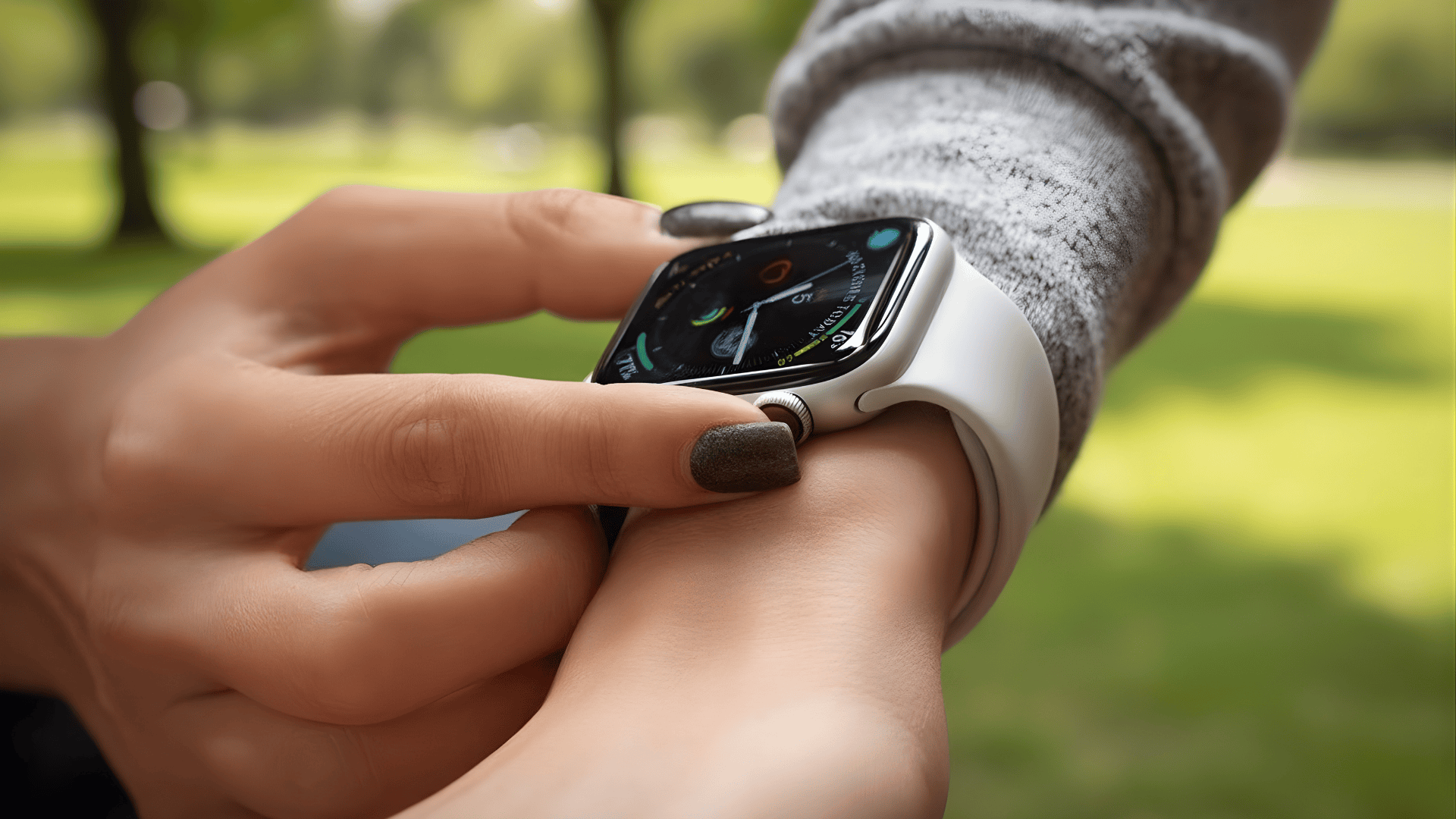
You glance at your wrist every day and trust your Apple Watch, but sooner or later, you wonder how long Apple Watches last.
That question matters when you track workouts, answer calls, check health data, and depend on the watch to keep pace daily.
I will be telling you how long these watches last, what affects its lifespan, including battery life, wear habits, software support, and real use over the years.
Knowing the answer helps you plan upgrades calmly, avoid surprise battery issues, and decide when care or replacement makes sense.
But before beginning with details, take a moment to think about your own usage, since that context makes every comparison clearer.
About Apple Watches
Apple Watches have become essential everyday tools, often staying on your wrist throughout the day to help you stay connected and active.
They’re designed to track everything from steps and workouts to heart rate, notifications, calls, texts, and reminders, all without the need to pull out your phone.
With a sleek design and advanced features, it’s easy to see why so many people rely on them daily.
However, the continuous wear and tear, combined with battery usage and charging habits, directly affect their longevity.
Touchscreens, sensors, and batteries experience gradual wear, especially if you use your watch heavily throughout the day, frequently exercise, or charge it multiple times daily.
These factors all contribute to the gradual decline in performance over time.
How Long Do Apple Watches Really Last?
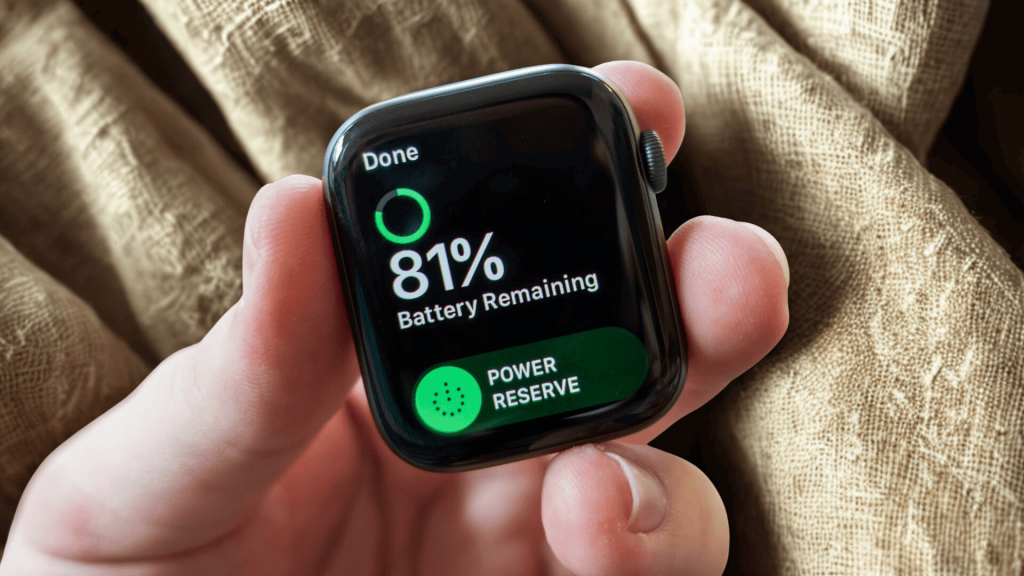
On average, an Apple Watch can last around 3-5 yearswith regular use. This lifespan depends on how often you wear it, how you charge it, and how you use it on a daily basis.
If you charge your watch often and use it for fitness tracking or notifications, you may notice battery wear sooner.
If you use an Apple Watch heavily on a daily basis for multiple tasks, then the lifespan can drop to 1-2 years.
The hardware itself typically remains functional for several years, but performance can slow down as software updates and app demands increase.
Over time, your watch may take longer to load apps, and the battery may not hold a charge as well as it used to.
While the watch still works, its performance might not feel as smooth as when it was new.
In general, with good care, your Apple Watch can remain useful for a few years. However, once performance starts to decline, you might consider upgrading to a newer model.
How Does Daily Use Impact Apple Watch Longevity?
How long your Apple Watch lasts depends greatly on how you use it daily.
Regular workouts, especially intense ones, can strain the watch as the sensors track heart rate and calories, draining the battery faster.
Charging habits also play a role; frequent charging or topping off the battery too much can wear it down more quickly.
Wearing the watch daily exposes it to sweat, water, and bumps, which may affect its durability over time, though careful use can minimize this.
Casual use, like checking notifications or light fitness tracking, helps the watch last longer, while heavy use with constant workouts and app interactions can cause wear and reduce its lifespan.
Ultimately, careful use and charging habits can help extend how long your Apple Watch lasts
Signs Your Apple Watch Is Wearing Out
These are common signs I notice when an Apple Watch starts to age. You may see one or several of these over time.
- Battery: The battery drains much faster than usual, even with light daily use, making it difficult to rely on your watch for a full day.
- Charging: You find yourself needing to charge your Apple Watch more than once a day, as the battery doesn’t hold its charge as effectively as it once did.
- Apps: Apps take longer to open or sometimes freeze, disrupting your user experience and making the watch feel sluggish.
- Screen: The screen becomes less responsive to touch, requiring extra effort or repeated taps to register your input.
- Workouts: Health and workout tracking features lag or stop working altogether, causing inconsistencies in tracking your activity.
- Heat: The watch gets noticeably warm while charging or even during regular use, indicating strain on the internal components.
- Updates: Software updates cause the watch to slow down, making it feel unresponsive and sometimes less functional.
- Wear: Small scratches or marks on the screen or body of the watch become more noticeable, giving it a worn and aged appearance.
How Software Updates Affect the Apple Watch’s Life?
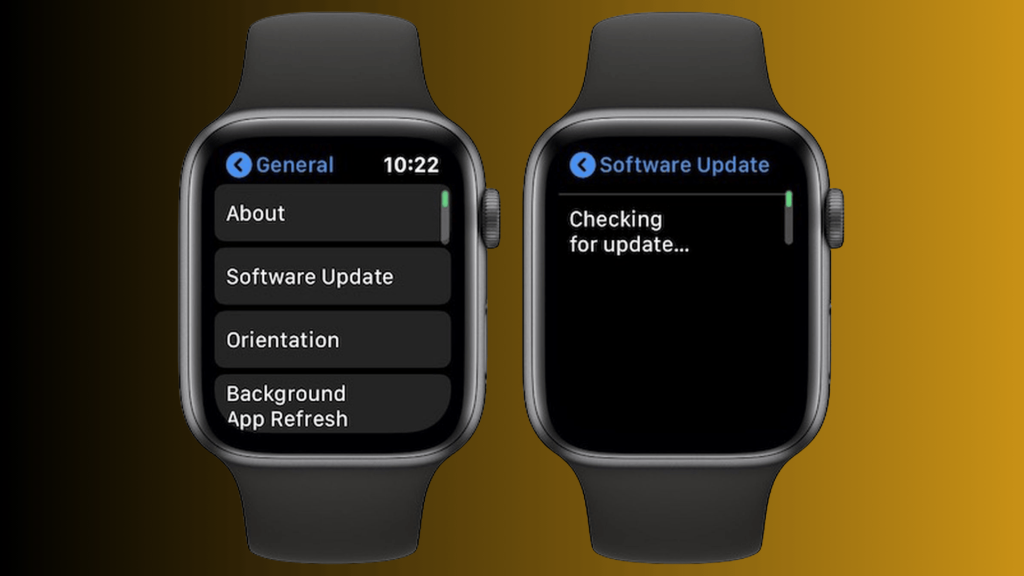
Software updates play a key role in how long Apple Watches last. On newer models, updates often improve performance, add features, and fix bugs, keeping your watch running smoothly.
These updates can make the watch feel fresh and responsive, ensuring it keeps up with the latest apps and security measures.
However, on older models, updates can slow down performance. As the hardware gets older, newer updates may demand more processing power, which the watch may struggle to handle.
This can lead to slower app load times and reduced battery life.
Apple usually provides updates for 4 to 5 years after a model’s release. Once your watch stops receiving updates, it won’t get the latest features or security patches.
At this point, your Apple Watch may still work, but it might not be as fast or secure as newer models.
Differences in Lifespan by Apple Watch Model
A comparison of how long Apple Watches last based on different models. This table shows how older versus newer models, as well as entry-level versus premium versions, can impact durability and lifespan.
| Apple Watch Model | Expected Lifespan | Durability Highlights |
|---|---|---|
| Apple Watch Series 7 | 1 to 2 years | Stronger screen and faster chip, may slow down with heavy daily use. |
| Apple Watch Series 8 | 2 to 3 years | Better sensors and a battery for longer everyday reliability. |
| Apple Watch Series 9 | 2 to 3 years | Improved internals and health tracking efficiency. |
| Apple Watch Series 10 | 4 to 5 years | Thinner build, larger display, and efficient silicon. |
| Apple Watch Series 11 | 5 to 6 years | Tougher glass, better battery, and durability upgrades. |
| Apple Watch Ultra | 6 to 7 years | Titanium case and large battery built for rugged use. |
Tips to Make Your Apple Watch Last Longer
These are some tips for you to follow to make your Apple Watch last longer.
- Charge Smartly: To help preserve your battery life, aim to charge your Apple Watch when it drops between 20-30% and unplug it once it reaches 80-90%.
- Use Low Power Mode: When you’re in need of extra battery life, activate Low Power Mode to limit features that aren’t essential.
- Keep It Clean: A clean watch not only looks better but also functions more efficiently, especially when it comes to sensors.
- Avoid Extreme Temperatures: Protect your Apple Watch from extreme heat or cold, as both can have a negative impact on the battery and internal components.
- Turn Off Unused Features: Disable any features you’re not actively using, like the always-on display, to save battery life.
- Use a Screen Protector: Prevent scratches, cracks, and other damage by applying a screen protector or using a case.
- Update Software: Keeping your watch’s software up-to-date ensures optimal performance, as updates often include improvements to battery life, security, and new features that enhance the overall user experience
These simple habits will help your Apple Watch last longer and stay in good condition.
When is it Time to Upgrade Your Apple Watch?
If you’re dealing with slow performance, app freezes, or battery issues that just won’t seem to improve, it might be time for an upgrade.
After 4-5 years, Apple stops providing updates, leaving your watch vulnerable, outdated, and incompatible with new features.
If the features no longer fit your needs, or you simply want better performance, a newer model could be the perfect solution.
Plus, if your lifestyle has changed and your current watch isn’t cutting it anymore, an upgrade is likely the best option.
Don’t forget, buying older models can be risky, as they may stop receiving updates, leaving you with a device that’s no longer supported.
Conclusion
The Apple Watch is more than just a stylish accessory; it’s a powerful tool that enhances your everyday life in so many ways.
If you’re tracking workouts, staying connected, or managing notifications, the Apple Watch brings convenience right to your wrist.
With its sleek design, advanced health features, and easy integration with your Apple ecosystem, it continues to evolve and impress.
And with every new model, there’s always something exciting to look forward to! Think about your needs, how your watch fits into your lifestyle, and if an upgrade could bring the improvements you’re looking for.
If you’re ready to make that decision, why not check out the latest models and see which one could take your smartwatch experience to the next level?
Click here to discover more and find the perfect Apple Watch for you!