Choosing the right wireless earbuds isn’t easy, especially when the debate around Beats Studio Buds vs AirPods Pro keeps popping up everywhere.
If you’ve been comparing AirPods vs Beats and wondering which option actually fits your daily listening habits, you’re in the right place.
Both earbuds sit in the premium category and are popular for good reason, but they’re built for different users.
If you switch between devices or prefer a more energetic sound, choosing between Beats earbuds and AirPods can be tough.
So I’ve spent time evaluating how both the products perform in real-life use, not just on paper.
In this guide, I’ll break down what truly matters: sound, comfort, usability, and value of both the products, so you can confidently decide which earbuds suit you the best.
Beats Studio Buds vs AirPods Pro: Overview
The Beats Studio Buds and AirPods Pro are two popular wireless earbuds aimed at users who want reliable performance for everyday listening.
Both are designed for people who value comfort, sound quality, and ease of use, but they appeal to slightly different audiences.
Beats Studio Buds focus on a bold, energetic sound and broad device compatibility, making them a practical option for users who switch between platforms.
AirPods Pro, on the other hand, are built for Apple users, offering a refined listening experience that feels tightly integrated with iPhones, iPads, and Macs.
While both earbuds sit in the premium category, their approach to sound tuning, usability, and overall experience differs.
Design and Comfort

When comparing Beats Studio Buds vs AirPods Pro in terms of earbud shape and fit.
The Beats Studio Buds have a compact, rounded design, while the AirPods Pro feature a more ergonomic, angled shape for a secure fit.
In terms of weight and comfort, the Beats Studio Buds are lightweight, but the AirPods Pro offer slightly more comfort for longer sessions due to their customizable silicone tips.
Both earbuds come with compact cases, but the AirPods vs Beats case stands out with wireless charging support, while the Beats Studio Buds’ case is smaller and more pocket-friendly.
When it comes to color and style, Beats earbuds vs AirPods offer variety, with the Beats Studio Buds available in multiple colors, while the AirPods Pro come in a sleek, premium white finish.
Sound Quality and Audio Performance
Curious how these earbuds actually sound in daily use? While both are premium earbuds with great audio, here are some differences.
- Default Sound Signature: Beats Studio Buds lean toward a bass‑forward sound that adds punch to modern tracks, while AirPods Pro deliver a more balanced audio profile.
- Bass, Midrange & Treble Balance: Beats emphasize deeper low end; AirPods Pro offer clearer mids and smoother treble.
- Performance Across Genres: Beats excel with hip‑hop and EDM, while AirPods Pro handle vocals, acoustic, and diverse genres more evenly.
- Spatial Audio & Enhancements: AirPods Pro include Spatial Audio with head tracking for immersive sound; Beats Studio Buds do not.
Active Noise Cancellation and Transparency Modes
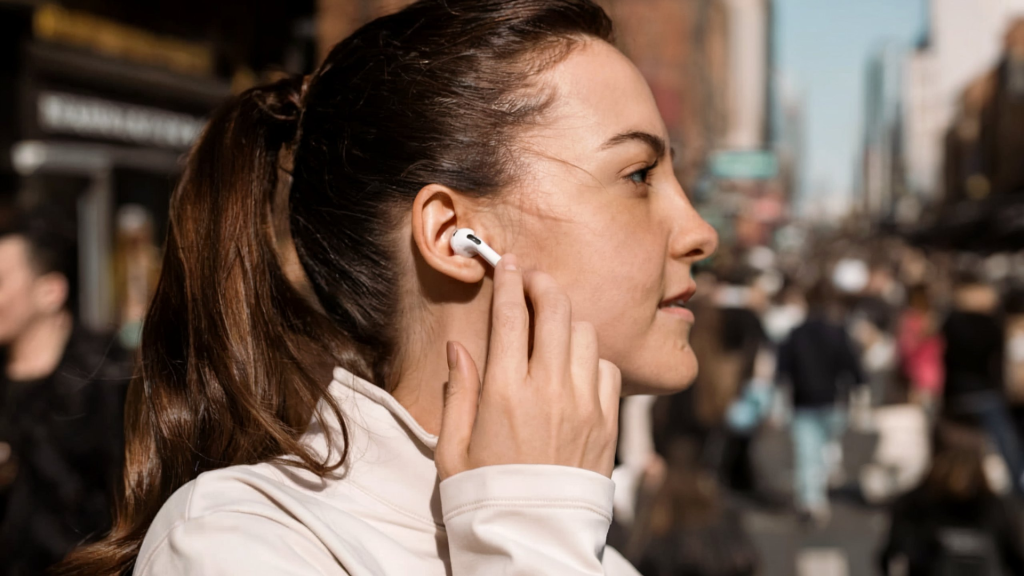
When it comes to Active Noise Cancellation (ANC), the AirPods Pro have a clear edge.
Their ANC system is stronger and more consistent in blocking out everyday sounds like traffic, chatter, and office noise.
This makes them more effective for flights, commutes, or noisy environments.
The Beats Studio Buds also offer ANC, but it’s generally milder and less effective at filtering out high levels of background noise.
Both earbuds include transparency modes that let ambient sound in without removing the device.
On the AirPods Pro, this mode feels natural and balanced, making conversations or announcements easy to hear. The Beats Studio Buds’ transparency mode is useful as well, but leans toward a more open, less refined sound.
In real situations, AirPods Pro transparency tends to feel smoother and more comfortable for mixed indoor and outdoor use.
Battery Life and Charging Experience
Here’s a side-by-side comparison of battery life and charging capabilities for Beats Studio Buds vs AirPods Pro, so that you can see which one is best if you forget to charge.
| Aspect | Beats Studio Buds | AirPods Pro |
|---|---|---|
| Earbud Battery Life | Up to ~8 hours per charge (varies with ANC/volume) | Up to ~6 hours per charge with ANC on |
| Case Battery Life | Up to ~24 hours total | Up to ~30 hours total |
| Charging Methods | USB‑C wired charging | Lightning cable for older models, USB-C and wireless for newer ones. |
| Fast Charge Usefulness | Quick boost adds several hours from a short charge | Quick charge adds up to ~1 hour from ~5 minutes |
Controls, Smart Features, and Assistant Support
When it comes to controls and ease of use, Beats Studio Buds feature simple physical buttons for play/pause, track skipping, and toggling ANC/Transparency.
In contrast, the AirPods Pro offer force-sensor stems for intuitive control over playback, ANC modes, and calls.
For automatic detection and voice assistant support, the Beats Studio Buds support voice assistant activation and offer quick pairing on both Android and Apple devices.
On the other hand, the AirPods Pro feature automatic ear detection and seamless Siri access for Apple users. Platform-specific perks are another area where these two earbuds shine.
Beats Studio Buds work well across both Apple and Android devices, with native assistant access built in.
AirPods Pro offer advanced features such as spatial audio with dynamic head tracking and deeper Apple ecosystem integration.
Connectivity and Device Compatibility
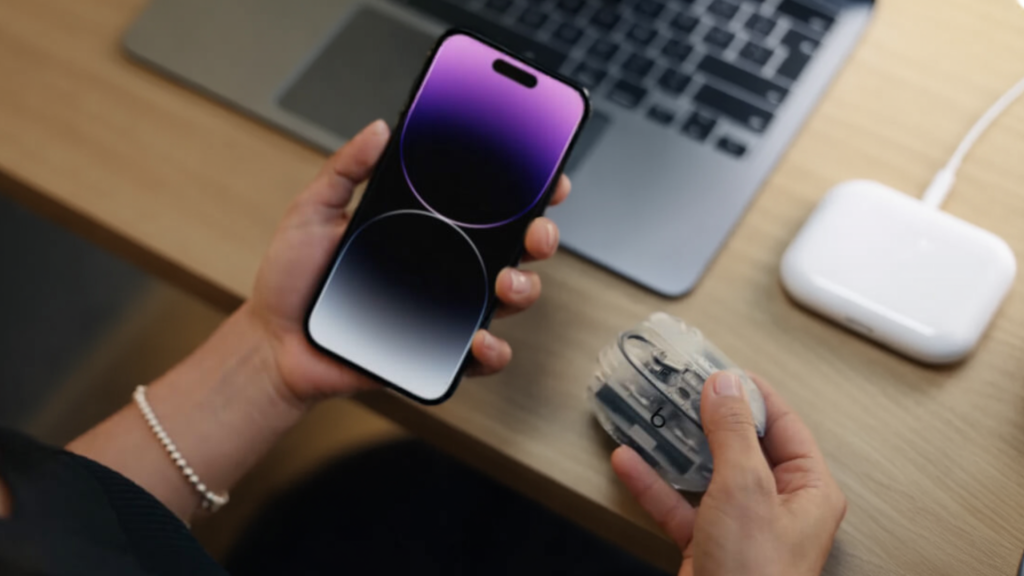
When it comes to pairing, Beats Studio Buds offer a quick, simple experience on both Apple and Android devices via standard Bluetooth prompts, making them easy to set up regardless of platform.
The AirPods Pro, however, pair instantly & easily with Apple devices through a dedicated setup interface, while pairing on Android is still possible, but it lacks the same visual ease.
In terms of Bluetooth stability, both earbuds deliver reliable connections, but AirPods Pro perform especially well within the Apple ecosystem with efficient handling and minimal dropouts.
Looking at ecosystem features, Beats Studio Buds work well across platforms but do not support automatic device switching.
In contrast, AirPods Pro include automatic switching and deeper Apple integration, adding extra convenience for Apple users.
Price and Value Comparison
While other features are important, considering the price of each earbud will help you decide which one’s the best.
| Aspect | Beats Studio Buds | AirPods Pro |
|---|---|---|
| Typical Price | ~$169.99 (varies with sales) | ~$249.99 (often discounted) |
| Seasonal Deals | Frequent discounts during holidays and sales | Regular discounts, especially during Apple promos |
| What’s Included | Beats Studio Buds, charging case, USB-C cable, ear tips | AirPods Pro, charging case, USB-C cable, ear tips |
| Value Based on Features | Bass-heavy sound, solid ANC, multi-platform compatibility | Superior ANC, premium Apple integration, spatial audio |
| Target Audience | Android & Apple users seeking performance at a budget | Apple users wanting premium features & integration |
Which Should You Choose?
If you’re an iPhone or Apple ecosystem user, the AirPods Pro are the ideal choice.
With effortless integration, advanced features like spatial audio, and automatic device switching, they offer an unmatched experience for Apple users.
If you’re listening to music, taking calls, or watching movies, AirPods Pro deliver top-tier performance, especially with features like Active Noise Cancellation (ANC) and easy Siri access.
On the other hand, if you’re an Android user or need earbuds that work well across multiple platforms, the Beats Studio Buds are a solid choice.
They provide reliable performance, great sound, and solid compatibility with both Android and Apple devices.
While the AirPods Pro excel with Apple-specific perks, the Beats Studio Buds offer simplicity and versatility, making them a great option for everyday listening
Conclusion
Both the Beats Studio Buds vs AirPods Pro offer premium performance, but they cater to different user preferences.
Beats Studio Buds provide a bass-heavy sound, versatile compatibility, and a compact design, making them a great choice for those who need flexibility across devices.
Meanwhile, AirPods Pro shine with deeper integration into the Apple ecosystem, offering special features that could appeal to Apple users seeking a more refined experience.
Both models excel in sound quality, comfort, and overall value, but after our guide, you can easily decide which one to choose.
Consider your needs and preferences, and choose the pair that best fits your lifestyle.
Let us know in the comments below! We’d love to hear your thoughts and help you find your perfect pair!