If you’re like me, keeping track of your loved ones or your phone is a priority. That’s where a tracking app for iPhone comes in.
These apps are invaluable, whether you’re looking to keep tabs on your family’s safety, locate your lost phone, or track specific locations.
I’ve tested several Tracking apps for iPhone and compiled the top ones that stand out for their features and ease of use.
There are different types of tracking apps, including family tracking apps, phone tracking apps, and location-specific tracking apps.
In this guide, I’ll walk you through the top options to help you find the perfect tracking app for your iPhone.
What Is a Tracking App for iPhone?
A tracking app for iPhone is a software tool that helps monitor and share a device’s location in real time or at scheduled intervals.
These apps rely on GPS, Wi-Fi, and mobile data to provide accurate location details.
They are commonly used for family safety, finding lost or stolen phones, and monitoring specific locations when needed.
Many tracking apps also include added features such as location history, movement alerts, and notifications when a device enters or leaves a set area. Some apps offer remote controls, like locking a device or triggering alerts.
Privacy settings allow users to manage tracking permissions and control how location data is shared
Unlock Your iPhone’s Potential: Best Tracking Apps
Protect your family and never lose track again with the best tracking app for iPhone for real-time safety, location sharing, and peace of mind.
1. mSpy
mSpy is a well-known iPhone tracking app that offers a broad set of monitoring features, including GPS location tracking, call logs, and access to social media activity.
It provides real-time location updates, which can help users stay aware of family members’ movements throughout the day.
In addition to location tracking, the app allows monitoring of text messages, contacts, and app usage.
With its wide coverage of tracking tools, mSpy is often used for family safety, supervision, and general location awareness
Rating: 4.2 / 5.0
2. Life360
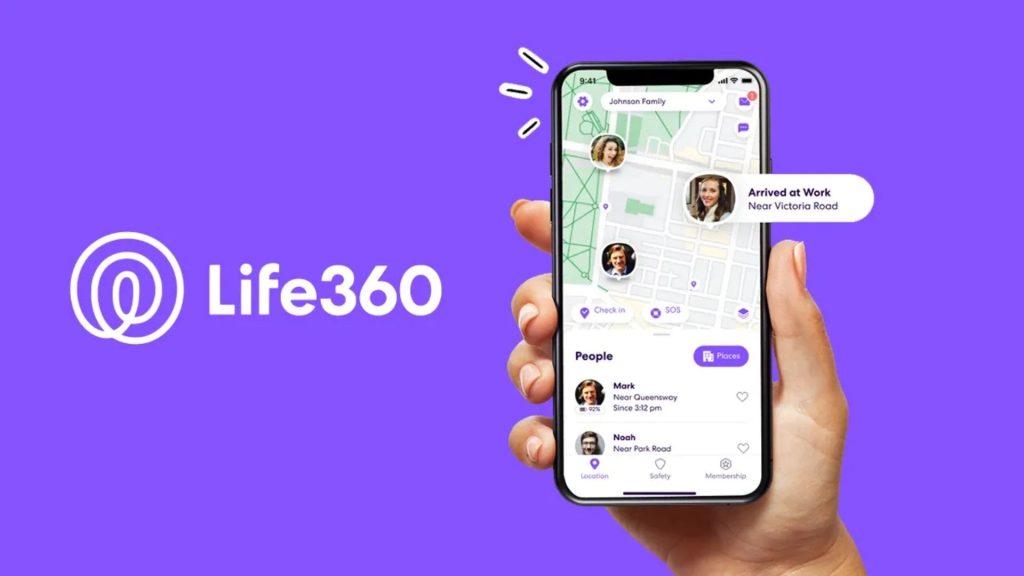
Life360 is widely used for family safety and focuses on real-time location sharing along with emergency alert features.
It enables continuous location tracking of family members, helping users stay informed about everyone’s whereabouts.
The app also includes crash detection, which can send alerts if an accident is detected.
Overall, it is a reliable option for staying connected with loved ones and maintaining ongoing safety awareness
Rating: 4.8 / 5.0
3. FamiSafe

Life360 is a widely used app focused on family safety, offering real-time location sharing and built-in emergency alert tools.
It allows continuous tracking of family members, helping users stay updated on everyone’s location.
The app also features crash detection, which can notify contacts if an accident occurs.
Overall, it supports staying connected with loved ones while maintaining consistent safety awareness.
Rating: 4.0 / 5.0
4. Glympse
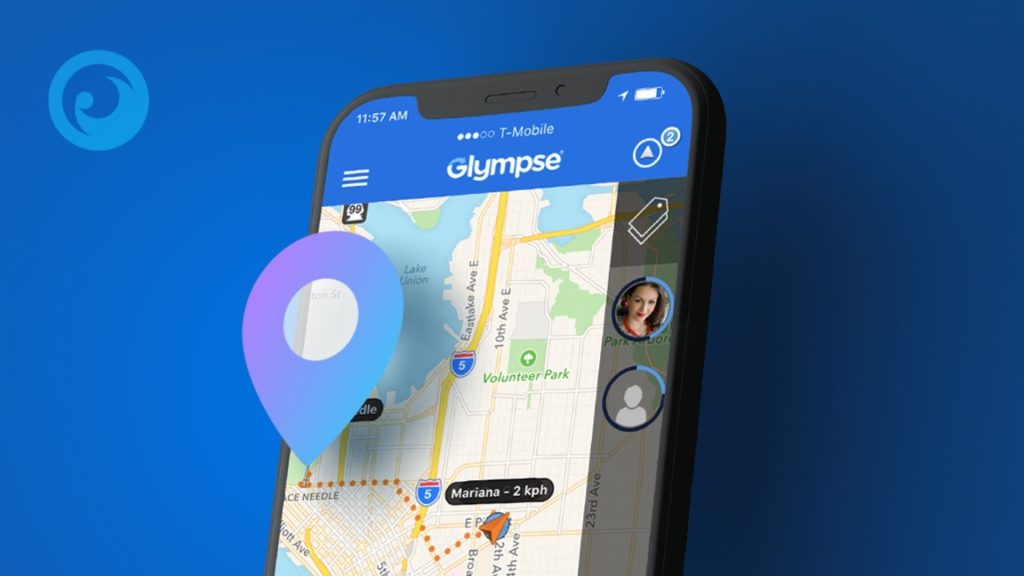
Glympse is a straightforward location-sharing app that focuses on temporary tracking without requiring any sign-up or account creation.
It is well-suited for short-term situations such as travel, events, or meeting someone for the first time.
The app creates a shareable link that can be sent to friends or family, allowing them to view real-time location updates for a limited period.
Because tracking automatically ends after the set time, Glympse offers a simple and privacy-conscious way to stay connected without long-term monitoring.
Rating: 4.6 / 5.0
5. Find My
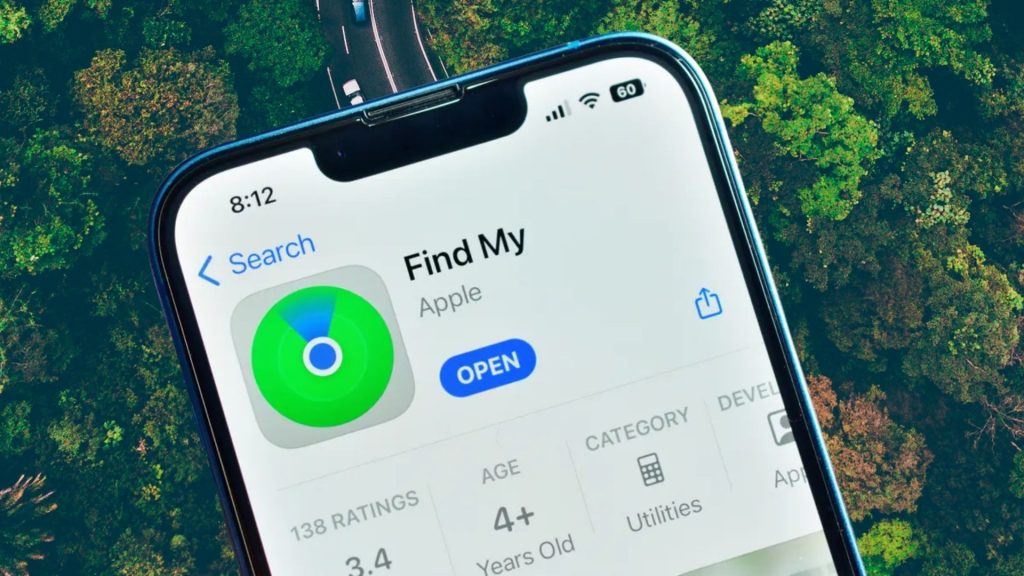
Find My is a built-in tracking app available on all Apple devices, eliminating the need for additional downloads or setup.
It provides reliable location tracking for iPhones, iPads, Macs, and other connected Apple devices. Users can share their location with trusted family members and friends for added safety.
The app also includes tools like playing a sound on a misplaced device, helping locate it quickly.
With seamless integration into the Apple ecosystem, Find My is a practical option for everyday device tracking and location sharing.
Rating: 2.8 / 5.0
6. Google Maps
While Google Maps is mainly used for navigation, it also includes real-time location sharing, which makes it useful for keeping track of loved ones.
Users can share their live location with friends or family members for a set period of time.
The app also displays estimated arrival times, helping others know when to expect someone.
Since Google Maps works across platforms, it allows location sharing between iPhone and Android users, making it a convenient option for families using different devices.
Rating: 4.7 / 5.0
7. Family Locator
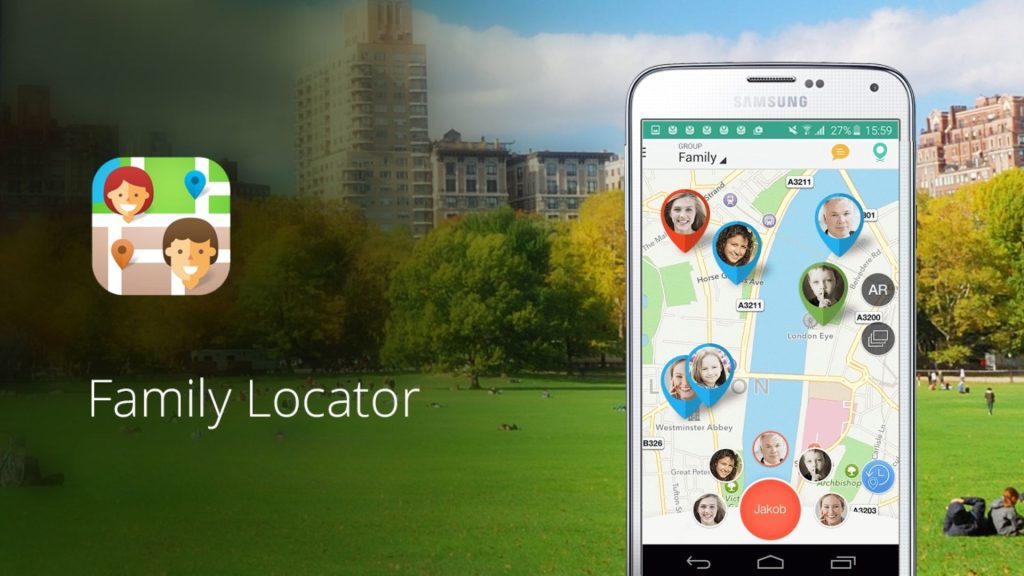
Family Locator is a simple, no-fuss app designed for real-time family location sharing and safety.
It’s ideal if you want an easy-to-use tool to track your loved ones without unnecessary extras.
The app also offers safety alerts and check-ins, allowing you to be notified when family members arrive at or leave specific locations.
It’s perfect for users who prefer simplicity over complexity.
Rating: 4.5 / 5.0
Free vs. Paid iPhone Tracking Apps
This section compares free and paid iPhone tracking apps, highlighting key features like location history, alerts, and security to help you choose the right option.
| Feature | Free Tracking Apps | Paid Tracking Apps |
|---|---|---|
| Location History | Usually unavailable | Detailed location history |
| Geofencing & Alerts | Limited or not included | Real-time alerts and geofencing |
| Tracking Duration | Short-term or temporary | Long-term and continuous |
| Ads | Often includes ads | Ad-free experience |
| Security & Privacy | Basic protection | Encrypted and more secure |
| Customer Support | Limited or none | Priority customer support |
Tips to Choose the Best Tracking App for iPhone
Choosing the right iPhone tracking app depends on your purpose, device support, and data protection standards.
Understanding why a tracking app is needed helps narrow down features that actually matter.
- Real-time location sharing: Provides continuous, up-to-date visibility of a device’s location for monitoring
- Location alerts: Sends automatic notifications when a device enters or exits predefined locations
- Lost phone tracking: Helps locate, track, and recover a misplaced or stolen iPhone more quickly
- iOS compatibility: Works reliably with current and recent iPhone operating system versions
- Easy setup: Allows users to start tracking quickly without complicated installation steps
- User interface: Offers clear navigation, readable layouts, and simple controls for everyday use
- Data encryption: Protects location and personal information during data transfer and storage
- Privacy policy: Clearly outlines how data is collected, stored, and used by the app
Conclusion
In this guide, we’ve covered some of the best tracking apps for iPhone, highlighting features that range from real-time location tracking to more advanced monitoring tools.
These apps can help with staying connected to family members, locating a missing device, or adding an extra layer of safety for children and loved ones.
Choosing the right app depends on how often it will be used and the level of tracking required, from basic location sharing to ongoing monitoring.
Privacy and security should always remain a top priority when selecting any tracking app, especially one that handles location data.
Which tracking app features matter most in daily use, and why?
Share your experience or thoughts in the comments below.
Frequently Asked Questions
How Do I Check if Someone Is Tracking My Location?
Check your installed apps, review location permissions, and turn off location sharing in settings. Remove any unfamiliar apps you don’t recognize.
Can I Track the Location of A Phone Number for Free?
You can track a phone’s location for free using apps like Find My or Google Maps, but only with the owner’s consent and enabled location sharing.
Is It Possible to Track My iPhone without an Internet Connection?
Yes, GPS tracking works offline. Apps like Find My use GPS satellites to determine location, which doesn’t require internet access.