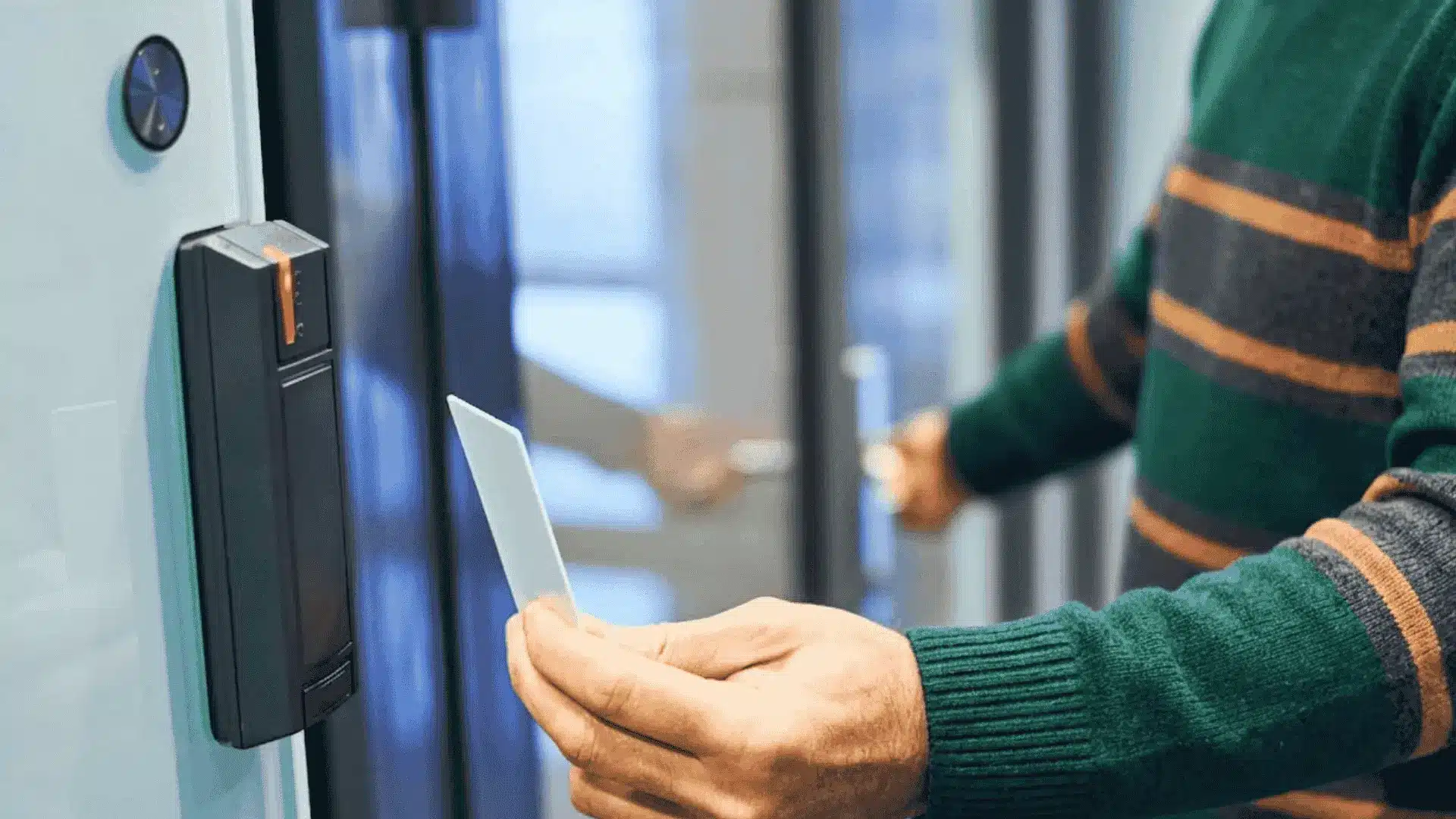
Card access control systems are now a common part of modern security in homes, offices, and shared buildings.
Today, keys are easy to lose and hard to manage. People want better control over who can enter a space and when. That is where card-based entry systems come in.
They help limit access, track movement, and reduce daily security worries. I see many users looking for clear answers before choosing or setting one up.
You might be planning a new system or upgrading an old one. Either way, knowing the basics makes decisions easier.
In this blog, you will learn how these systems work. You will see the main types available today and where they are used most.
The blog also explains setup basics, key benefits, and things to think about before choosing a solution. By the end, you will have a clear picture and know what best fits your needs.
How Key Card Entry Systems Work?
Key card entry systems work by allowing access only when the right card is presented to the reader. Each system uses a few core parts to handle this process.
The reader scans the card, while the controller checks the data it receives. The software manages users, access levels, and entry records.
All these parts work together to control who can enter a space. When a card is tapped or swiped, the system starts an authentication check.
The controller compares the card data with stored permissions. If the match is valid, the door unlocks. If not, access is denied and logged.
Different credential types are used in these systems. Magnetic stripe cards require a swipe. Proximity cards work with a tap.
Smart cards offer added data storage and security features, making them more flexible for larger setups.
Key Features to Look for in Card Access Control Systems

Choosing the right card access control system means knowing which features matter most for daily use, future growth, and smooth security management.
- User management capabilities: Let you add, remove, and update users easily, assign access levels, set schedules, and control who can enter specific areas.
- Audit trails and reporting: Records every entry attempt, showing who accessed which door and when, helping with reviews, compliance needs, and issue tracking.
- Integration options: Enable the system to work with alarms, video surveillance, and time-tracking tools for better visibility and easier management in one place.
- Mobile credentials: Enable access using smartphones instead of physical cards, making it easier to issue, revoke, or update access without extra hardware.
Types of Card-Based Access Systems

Different setups offer different levels of control, flexibility, and management. Understanding these options helps match the system to the size and needs of a space.
1. Standalone Systems
Standalone systems operate on individual doors without a central network. Each door works on its own and stores access data locally.
These systems are simple to install and cost less up front. They work well for small offices or storage areas with limited users.
Changes must be made at each door, which can take time. Reporting and tracking features are usually basic. This option suits locations with low traffic and minimal access changes.
2. Networked Systems
Networked systems connect multiple doors to a central control panel or server. Access rules can be managed from one location.
Updates apply across all connected doors at once. These systems offer better tracking and reporting than standalone setups.
They fit offices, schools, and larger buildings. Wiring and setup may take more effort. Over time, centralized control makes daily management easier and more organized.
3. Cloud-Based Solutions
Cloud-based systems are managed through an online platform. No local server is needed on site. Admins can manage access from anywhere with internet access.
Updates, logs, and user changes happen in real time. This setup works well for businesses with multiple locations.
Subscription fees are common. Cloud systems reduce on-site hardware needs while offering strong flexibility and remote control.
4. Hybrid Options
Hybrid systems combine local hardware with cloud management. Doors can still function during internet outages.
At the same time, remote access and online tools remain available. This setup balances control and reliability.
Hybrid systems suit sites that need both local backup and modern features. They offer flexibility without relying fully on the cloud or local servers.
Choosing the Right System for Your Needs
Choosing the right card access control system depends on how your space operates and how it may grow. Small businesses often need simple setups with easy user control and low setup costs.
These systems focus on a few doors and basic access rules. Medium to large facilities need more control, better reporting, and the ability to manage many users at once.
Multi-site operations benefit from centralized access and remote management across locations. Budget also plays a big role. Costs include hardware, software, setup, and ongoing fees.
Planning ahead helps avoid upgrades too soon. Card access control systems should meet current needs while allowing for growth without requiring a full system change later.
Installation and Setup Process for Card Access Control Systems

A smooth setup starts with good planning and continues through proper installation and clear system setup to avoid issues later.
1. Planning and Site Assessment
Planning begins with reviewing entry points, door types, and daily traffic. Each location is checked for power and network access.
The goal is to decide where readers and controllers will go. Security needs and future growth are also considered.
This step helps avoid delays during installation. A clear plan keeps costs controlled and ensures the system fits the building layout without unnecessary changes later.
2. Hardware Installation Basics
Hardware installation includes mounting card readers, controllers, and door locks. Wiring is run between devices and power sources.
Doors must be tested for proper locking and unlocking. Installers make sure readers are placed at easy-to-use heights.
Clean installation matters for long-term use. Once installed, each device is checked to confirm it communicates correctly with the controller.
3. Software Configuration
Software setup defines how the system behaves. Admins create access rules, time schedules, and user roles.
Door permissions are assigned based on needs. The software also handles alerts and activity logs.
Proper setup ensures only approved users gain entry. Testing is done to confirm rules work as expected. A well-configured system reduces mistakes and access issues.
4. User Enrollment
User enrollment adds people to the system and links them to cards or mobile credentials.
Each user is assigned specific access rights. This step helps control where and when entry is allowed. Cards are tested to ensure they work with the assigned doors.
Clear labeling and records help with future updates. Enrollment is usually quick but needs accuracy to avoid access problems.
Best Practices for Managing Your System
A well-managed system stays simple to control and avoids access problems as usage and requirements shift over time.
- Regular maintenance: Check readers, locks, and controllers on a set schedule. Update software when needed. Fix small issues early to avoid access failures later.
- User access reviews: Review user lists often. Remove access for former staff. Adjust permissions when roles change. This keeps entry limited to the right people.
- Clear security policies: Set simple rules for card use, sharing, and loss reporting. Make sure users understand their role in keeping access secure.
- Backup procedures: Keep backups of system settings and user data. This helps restore access quickly after power loss or system failure.
- Incident response planning: Have a plan for lost cards or forced entry. Quick action reduces risk and keeps control intact.
Access Control System Costs and Long-Term Value
Cost planning is an important part of choosing and running an access system. The initial investment usually includes readers, cards, controllers, software, and installation.
Larger setups need more hardware, which raises upfront costs. Ongoing maintenance costs cover software updates, card replacements, and system checks.
Some providers also charge monthly service fees. Hidden expenses can appear through extra user licenses, system upgrades, or support plans.
Training staff may add to the budget as well. ROI factors depend on improved control, reduced key replacement, and lower security risks.
Card access control systems often help save time and money over the long term by simplifying access management and reducing manual security tasks.
Common Challenges and Practical Solutions
Even well-set systems can face issues over time. Knowing common problems and how to handle them helps keep access smooth and secure.
- Lost or stolen cards: Disable missing cards right away and issue replacements quickly. This prevents unauthorized entry and keeps access under control.
- System failures: Power or network issues can stop access temporarily. Backup power and offline door functions help avoid lockouts.
- User adoption issues: Some users forget rules or misuse cards. Simple training and clear instructions reduce confusion and mistakes.
- Upgrading older systems: Older setups may lack modern features. Gradual upgrades help improve control without full replacement.
- Data management errors: Poor record-keeping can cause access problems. Regular reviews keep user data accurate and updated.
Conclusion
Card access control systems offer a simple way to manage entry, improve safety, and reduce daily access issues.
This blog covered how these systems work, the main types available, and the key features to look for before choosing one.
It also explained setup basics, cost factors, and common challenges you may face over time. The right setup depends on building size, user count, and long-term goals.
Taking time to assess needs makes the process smoother and more cost-effective. Before moving forward, it helps to review current access problems and future plans.
What kind of access control setup do you think fits your space best? Drop a comment below and share your thoughts or questions about what do you think is the best?